


Best Photo Storage Sites: Where to Back Up and Store Photos
Last Updated on June 11, 2026 by Peter Wood
Most people do not need another long list of cloud apps. They need a simple way to sort photos first, back up the keepers second, and share the best ones third.
That is the easiest way to avoid wasted storage, messy folders, and bad uploads.
In this Article:

WidsMob Viewer Pro
WidsMob Media Viewer - View single image, multiple images, folder-based images, and videos in incredible fast speed and simple operation with various viewing modes. You can browse all your photos (including RAW files) and videos in one window without extra clicking and operating.
Start with the Process, Not the Storage Tool
The smartest photo setup begins on the computer, not in the cloud. WidsMob Viewer Pro is a strong first step because its is a fast media viewer and manager that handles photos and videos, including RAW, HEIC/HEIF, AVIF, WebP, PDF, and more.

That matters because a lot of people upload too early. When the first pass happens inside WidsMob Viewer Pro, the user can open a mixed folder, check image details, and decide what deserves cloud storage before anything gets synced or shared.
Follow this simple and effective workflow:
➡️ Review locally in WidsMob Viewer Pro
➡️ Back up the keepers to a cloud service
➡️ Share only the photos that need links, albums, or public access
How We Evaluated These Photo Storage Services
We compared each service using the same core criteria: storage limits, sharing options, device compatibility, ease of use, pricing, and photo-specific workflow features. We also checked the latest official product pages, help pages, and pricing details to keep the recommendations current and accurate.
Privacy and Control
Some services are better for personal backup, while others are better for public sharing or team use. Before choosing a platform, check whether it supports private albums, link sharing, folder permissions, search tools, and account-level privacy controls.
| Tool | Storage Options | Sharing Features | Compatibility | Ease of Use | Pricing |
|---|---|---|---|---|---|
| Google Photos | 15 GB base tier (shared with Gmail and Drive) | Shared albums, facial recognition search links | iOS, Android, Web | Automatic background sync | Free up to 15 GB; paid Google One tiers |
| iCloud Photos | 5 GB base tier; upgrades up to 12 TB | Shared iCloud Links, Shared Photo Library | iPhone, iPad, Mac, Windows | Native, invisible background sync | Free up to 5 GB; paid iCloud+ tiers |
| Amazon Photos | Unlimited full-res photos for Prime; 5 GB video | Shared family vaults, direct image links | iOS, Android, Web, Desktop | Simple set-and-forget mobile backup | Included with Prime; 5 GB free for non-members |
| Dropbox | Standard cloud file storage; camera upload folder | Shared links, shared folders, file requests | Desktop, Mobile, Web | Standard file tree structure | 2 GB free; paid premium tiers |
| OneDrive | 5 GB base tier; integrates with desktop backup | Shared folder access, direct download links | Windows, Mac, iOS, Android | Best if already using Windows desktops | 5 GB free; bundled with Microsoft 365 |
| Flickr | Unlimited photo and video storage on Pro | Public galleries, photography groups, RSS | Web, iOS, Android | Photo-focused presentation layout | Limited free tier; paid Pro subscription |
| SmugMug | High-res photo portfolio storage | Client galleries, print sales, digital downloads | Web, iOS, Android | Professional portfolio builder | Paid subscriptions only |
| Photobucket | Album hosting and automatic backup | Group photo spaces, direct and embed links | Web, Mobile | Simple tool for small group spaces | Paid tiers; limited storage options |
| Imgur | Casual image hosting and temporary storage | Public community feed, fast embed links | Web, iOS, Android | Built for speed and quick posting | Free |
| Box | Secure cloud content management | Granular access control, secure shared links | Desktop, Web, Mobile | Business-first team collaboration | Free basic account; paid enterprise tiers |
Google Photos
Google Photos is best for people who want automatic backup and easy search across a Google account. Each account gets up to 15 GB of storage shared across Gmail, Google Drive, and Google Photos, so the service is convenient, but it is not unlimited anymore.

That makes Google Photos a strong everyday choice for families and casual users who want simple sync and fast search. It is less ideal for anyone who expects endless free storage.
iCloud Photos
iCloud Photos is the natural choice for Apple users who want their photos to stay in sync across iPhone, iPad, and Mac. Apple says every account starts with 5 GB free, and iCloud+ adds 50 GB, 200 GB, 2 TB, 6 TB, or 12 TB plans.
This option works best inside an Apple household. If the main devices are already Apple devices, iCloud Photos keeps the setup simple and automatic.
Amazon Photos
Amazon Photos is a strong pick for Prime members. Amazon Prime customers get unlimited full-resolution photo storage plus 5 GB for video, while all Amazon customers get 5 GB of photo and video storage.
That makes Amazon Photos one of the best value options for people who already pay for Prime. It is an easy recommendation when the goal is backup without adding another monthly bill.
Dropbox
Dropbox is not a photo-only service, but it works well for users who want photos inside a broader file system. Dropbox supports camera uploads on mobile and device backup, so photos can flow into the same space as documents, videos, and work files.
This is a good fit for people who want one place for everything. Dropbox is less about photo presentation and more about simple, reliable storage across devices.
OneDrive
OneDrive fits best for people who already use Microsoft products. Microsoft’s free account includes 5 GB of storage, and Microsoft 365 plans add more space and cross-device backup for files and photos.
That makes OneDrive a practical choice for Windows users and Microsoft 365 subscribers. It is strongest when photo storage needs to stay connected to documents, desktop backup, and shared work files.
Flickr
Flickr is still one of the most photo-focused platforms on the list. Flickr Pro offers unlimited storage, unlimited private photos, unlimited hands-free backup, and ad-free browsing.
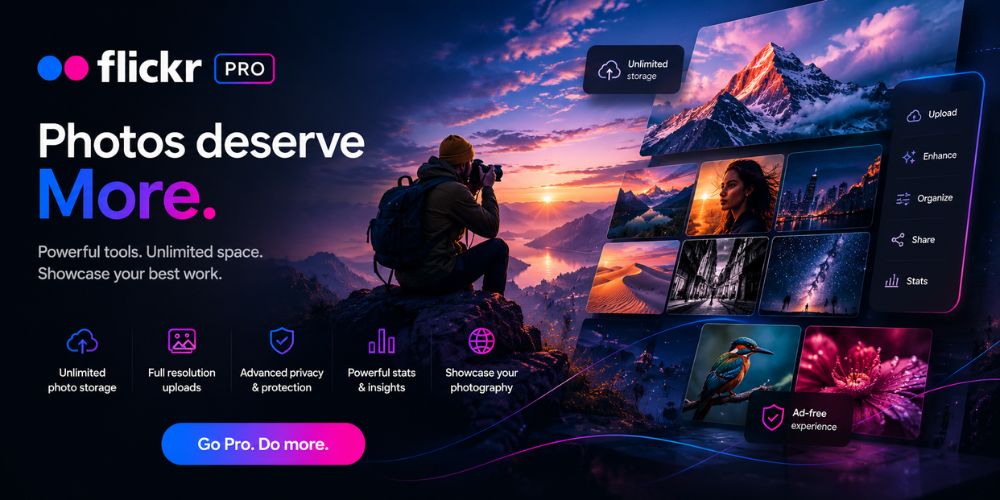
That makes Flickr a strong choice for photographers who want a public gallery with a photo-first feel. It is better for sharing and presentation than for general file storage.
SmugMug
SmugMug is the best fit for photographers who want a polished portfolio, client delivery, and sales tools in one place. SmugMug users can store photos, share highlights, delight clients, and make money, while also offering print products and digital downloads.
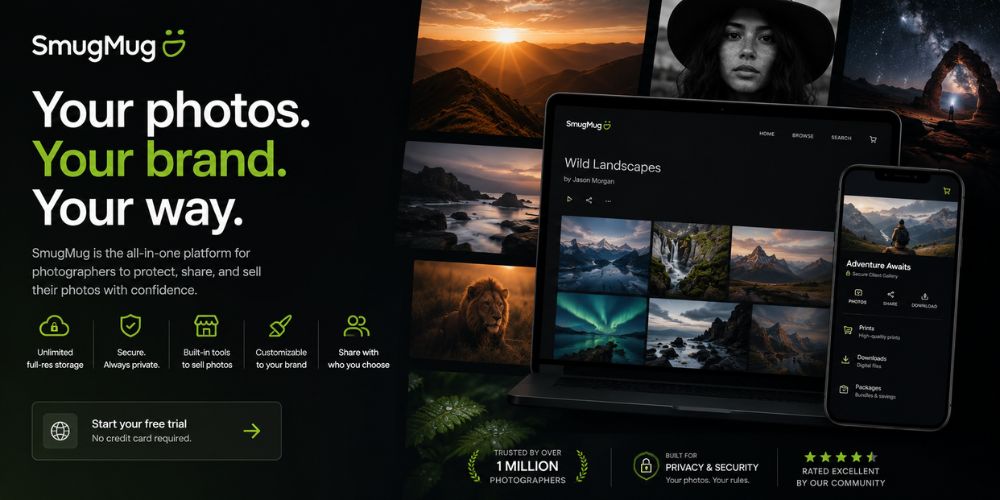
This makes SmugMug more than a storage site. It is a professional photo platform for people who want to publish, sell, and present their work with less friction.
Photobucket
Photobucket still serves users who want hosting, sharing, and group-based photo spaces. Photobucket’s features include group sharing, auto backup, comments and reactions, and direct or embed links for hosted images.
That makes Photobucket more useful for sharing images with a small group than for deep photo management. It is a good option when the main goal is to host and share albums quickly.
Imgur
Imgur works best for quick image sharing and community posting. Uploaded images on Imgur can stay private, while posts are visible to the Imgur community, which makes the service useful for fast hosting and sharing rather than long-term backup.

That is why Imgur should be treated as a sharing tool, not a primary archive. It is best when the goal is to post or embed images fast.
Box
Box is a business-first storage and collaboration platform. Box focuses on secure file sharing, collaboration, content security, and enterprise workflows, with granular access controls and link-based sharing.
That makes Box a better fit for teams than for casual photo backup. It is useful when photos sit inside a larger business workflow with permissions, review, and compliance needs.
Which Option Fits Which Job?
The easiest way to choose is to match the tool to the task. WidsMob Viewer Pro is the best first stop for local review, while the cloud service should match the final job.
✔️ Best for sorting before upload: WidsMob Viewer Pro. It works well for checking large folders, mixed formats, and RAW files before anything goes to the cloud.
✔️ Best for everyday personal backup: Google Photos, iCloud Photos, Amazon Photos, Dropbox, or OneDrive. These services focus on sync, backup, and easy access across devices.
✔️ Best for photographers and portfolios: Flickr or SmugMug. These platforms are built around photo presentation, sharing, client delivery, and professional use.
✔️ Best for team collaboration: Box. Box is the strongest fit when photo files live inside a larger business workflow with permissions and review processes.
✔️ Best for quick image posting: Imgur. Imgur is useful for private uploads or public community posts when speed matters more than long-term archiving.
✔️ Best for preserving original photo quality: Flickr, SmugMug, Amazon Photos, and iCloud Photos are generally better choices when maintaining original image quality is a priority.
What Matters Most When Choosing Photo Storage
Photo storage is not only about space. The best choice also depends on whether you need original-quality backups, family sharing, portfolio presentation, RAW file support, private links, or business permissions. A good photo service should match the way you actually use your images, not just give you a place to upload them.
Final Take
Our advice: do not start with storage first. Start by reviewing photos locally in WidsMob Viewer Pro, then move the keepers into the cloud service that matches the real need.
For most readers, that means Google Photos for easy backup, iCloud Photos for Apple devices, Amazon Photos for Prime members, Flickr or SmugMug for photography, and Box for business use. That gives the article a clear, practical answer instead of a generic list.