


Top Photo Sharing Apps & Sites: The Right Picks for Your Workflow
Last Updated on May 27, 2026 by Peter Wood
Photo sharing sounds simple, but the real problem is usually bigger than posting a picture. There are a lot of photo-sharing apps on the web, although some of them offer great features, the truth is, not everyone can benefit from what they are offering.
Most people need more than just to share and view images; some need to sort files, back them up, share them privately, or publish them to the right audience, and the best tool depends on that job.
In this guide, we will walk you through some popular and underrated photo sharing apps that will check all your boxes! Read on!

In this Article
- Pick a Tool Based on Your Needs, not because it's “THE BEST”
- WidsMob Viewer Pro: The First Step for Content Sharing
- Google Photos: The Cloud Sharing Expert
- Flickr: The Winner App for Photographers
- 500px: A Creator's Best Friend
- SmugMug: The Photo Gallery Community
- Imgur: The Go-To for Rapid Uploads
- The Best Way to Use these Tools Together

WidsMob Viewer Pro
WidsMob Media Viewer - View single image, multiple images, folder-based images, and videos in incredible fast speed and simple operation with various viewing modes. You can browse all your photos (including RAW files) and videos in one window without extra clicking and operating.
Pick a Tool Based on Your Needs, not because it's “THE BEST”
A lot of us get distracted by an app's features, so that we sometimes don't realize that it's not exactly what we're looking for. The smartest way to choose a photo tool is to match the tool to the workflow.
WidsMob Viewer Pro helps users review and manage files locally, Google Photos handles backup and sharing, Flickr supports photography communities, 500px supports discovery and licensing, SmugMug supports client delivery, and Imgur supports fast casual posting.
Pre-Sharing Routines Most People Do
Before a photo gets shared, many users still need to inspect, compare, and clean up files. You may need to resize, edit, or crop the image. In this case, tools like WidsMob Viewer Pro are built for that stage because it supports folder-based browsing, thumbnails, slideshow viewing, editing, and file management in one place.
A simple photo-prep workflow looks like this:
- Open the camera or phone folder in WidsMob Viewer Pro.
- Compare similar shots and remove weak files.
- Batch resize, rename, rotate, or convert the final set.
Choose the Sharing App
After the cleanup stage, the next step depends on the audience. Google Photos works well for backup and private sharing, Flickr works well for photographer communities, SmugMug works well for client galleries, and Imgur works well for quick public sharing.
To share or upload a high-quality image, we need the right app that suits our purpose. And no matter where you share the pictures, it's good to have a tool like WidsMob Viewer Pro to manage the images before sharing.
WidsMob Viewer Pro: The First Step for Content Sharing
WidsMob Viewer Pro is a one-stop media viewer for Windows and Mac users who want to browse photos and videos fast, without jumping between apps. The tool supports common image and video formats, including HEIC, RAW, WebP, JPEG, TIFF, MP4, and MOV, and it can also handle slideshow viewing, EXIF checking, and batch edits.

WidsMob Viewer Pro fits the “prep before publish” job better than a sharing-first app because it focuses on local browsing, file management, and batch processing. That makes WidsMob Viewer Pro a better starting point for users who need to sort large folders before uploading anything to the cloud.
The practical upside is easy to feel in real work:
- Faster review of large folders.
- Less time spent opening files one by one.
- Easier cleanup before upload or archive.
Google Photos: The Cloud Sharing Expert
Google Photos is strongest when the main goal is automatic backup and simple sharing. Google gives each account 15 GB of storage shared across Google Photos, Gmail, and Google Drive to store your private files, and the app also offers AI-powered editing features like Magic Eraser and Photo Unblur.

It is the right choice for people who want cloud access on multiple devices and easy link-based sharing. Aside from sharing, you also get to have backup copies of your images; it's like hitting two birds with one stone.
WidsMob Viewer Pro still wins for local cleanup, but Google Photos wins for sync, backup, and family-friendly sharing.
Flickr Pro: The Winner App for Photographers
Flickr is built around photographers, not just casual sharing. Flickr Pro includes unlimited storage, ad-free browsing, advanced stats, and privacy control for every photo, while free accounts are limited to 1,000 uploads and only 50 private photos.
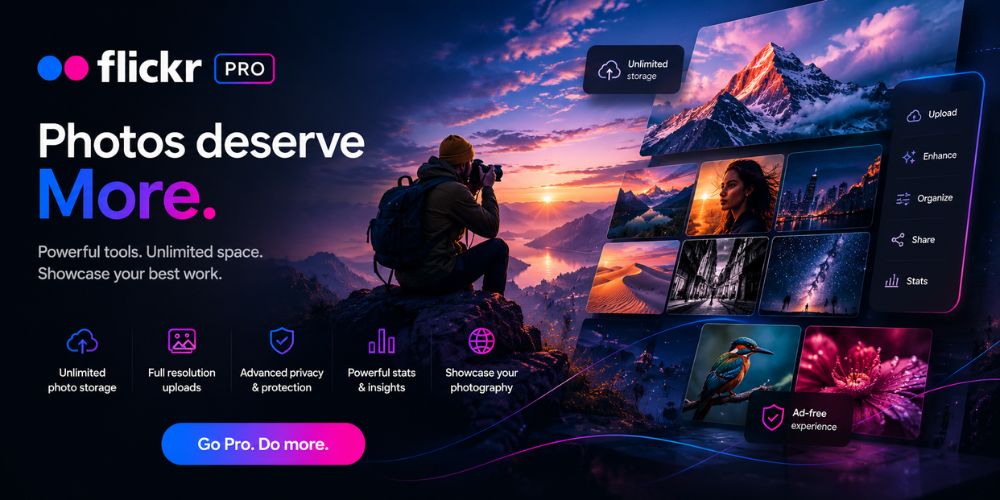
Use Flickr when feedback, discovery, and photography-focused presentation matter more than file cleanup.
WidsMob Viewer Pro prepares the work first, while Flickr gives the work a public home and a photographer audience.
500px: A Creator's Best Friend
500px is a global photography community where users share images, build visibility, and license work. The platform centers on discovery, portfolios, and licensing, and the site also supports curated galleries and commercial licensing options.
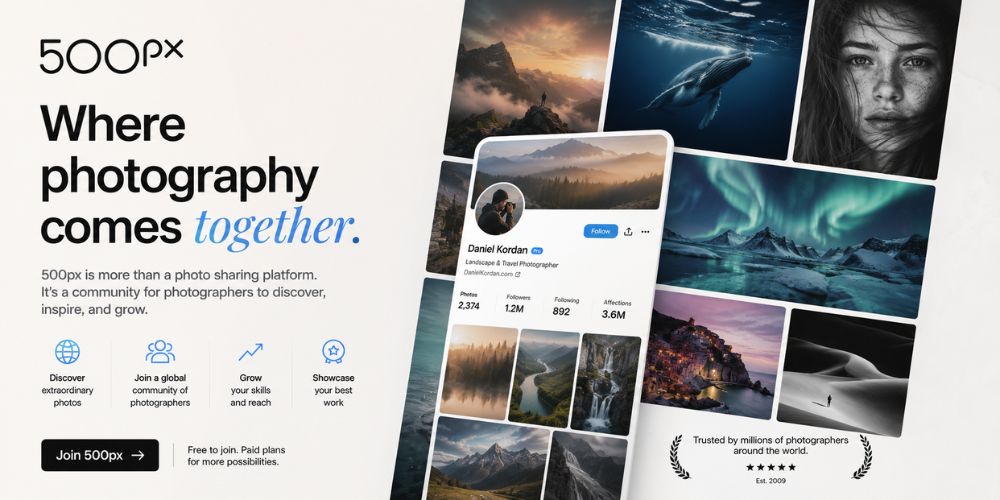
That makes 500px useful for people who want exposure and licensing potential, not for readers who need a fast local browser. In practice, 500px and WidsMob Viewer Pro solve different problems: one helps users publish, and the other helps users prepare.
SmugMug: The Photo Gallery Community
SmugMug is designed for those who need storage, sharing, client delivery, and monetization in one place. The platform helps users store photos, share highlights, delight clients, and make money, while its feature pages emphasize organization, galleries, and business workflows.
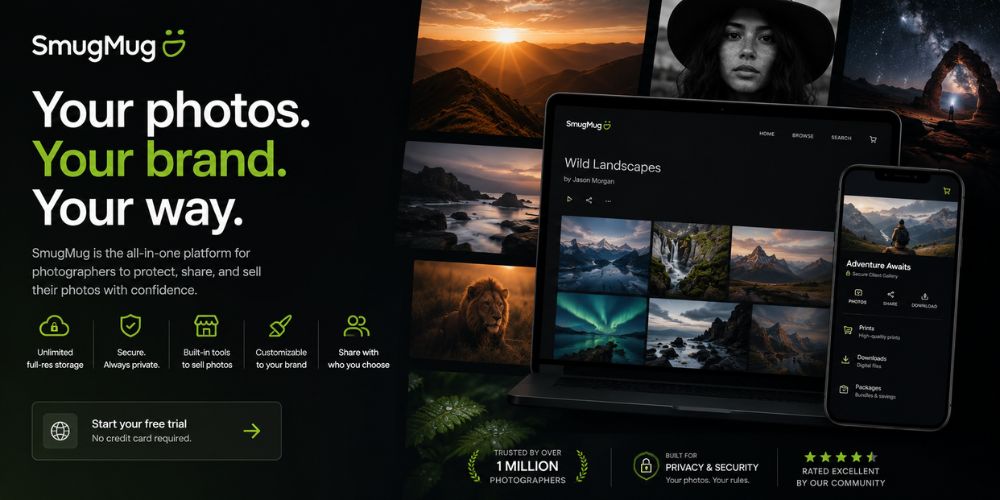
SmugMug belongs in a serious photo-sharing list because it is more than a simple gallery app. WidsMob Viewer Pro helps users choose the right files first, then it helps users present those files in a polished, client-ready way.
Imgur: The Go-To for Rapid Uploads
Imgur works best for fast uploads, casual sharing, memes, and community posts. Imgur is a place to find, rate, and share memes and images, and its help pages show that users can upload images, create posts or albums, comment, and share content with the community.

Use Imgur when speed matters more than file management. Imgur is useful for public posting, but WidsMob Viewer Pro is still the better first stop for sorting, reviewing, and cleaning files before any upload.
The Best Way to Use these Tools Together
A strong photo workflow does not depend on one app doing everything. The cleaner setup is to use WidsMob Viewer Pro for prep, Google Photos for backup and sharing, Flickr or 500px for community exposure, SmugMug for client work, and Imgur for casual posting.
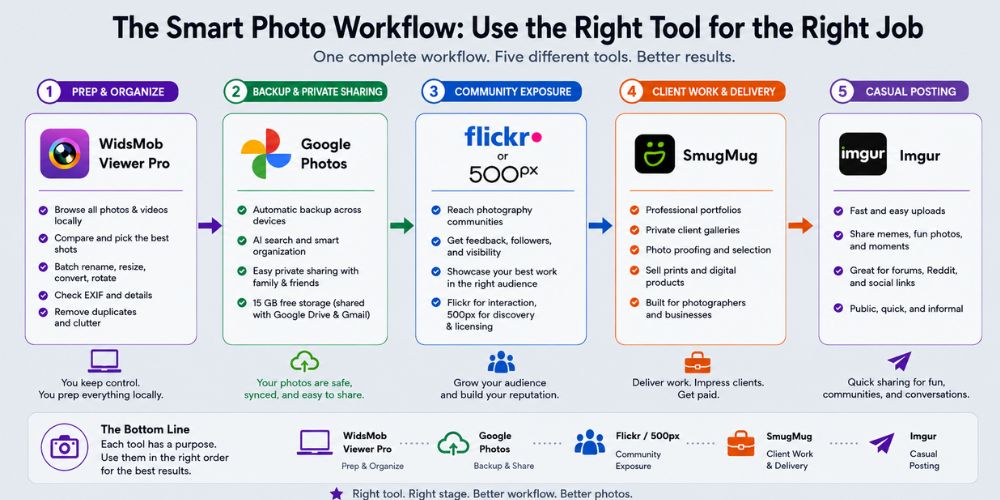
By treating these platforms as an interconnected ecosystem rather than competing options, you eliminate the friction of trying to force a single app to do everything. Your local drive stays clutter-free, your cloud storage isn't wasted on raw duplicates or throwaway edits, and your final images reach their specific audiences with minimal effort.
Ultimately, optimizing your workflow isn't about finding a perfect, all-in-one software; it's about letting each tool do exactly what it was engineered to do best.
Final Recommendation
If the main problem is file chaos, start with WidsMob Viewer Pro. If the main problem is backup and family sharing, choose Google Photos. If the main problem is visibility, portfolio building, or client delivery, Flickr, 500px, and SmugMug are the better fit, while Imgur stays useful for quick public posts.