


The Best Video Viewers for Windows and Mac – Top Tools of the Year
Last Updated on May 25, 2026 by Rhea Cabalida
Choosing a video viewer is harder than it used to be. Modern video files now include 4K, HDR, HEVC, AV1, and high-bitrate recordings, and sadly, not all video viewers support these specifications.
Some video viewers on the web today have weak playback software, cluttered interfaces, or outdated codec support. The best solution is to choose a tool based on your workflow, not just a long list of features, to ultimately improve your efficiency. Some users need fast folder browsing and media organization. Some users need accurate playback with subtitle support and hardware acceleration.
Others want a living-room media center or a Mac-native experience. Well, whatever it is, there is a video viewer that suits your needs. Read this guide to know our recommended video players!

In this Article:
- Best Video Viewer for Mixed Folders & Fast Browsing: WidsMob Viewer Pro
- Best Overall Video Player: VLC Media Player
- Best Lightweight Player for Power Users: mpv
- Best Video Player for Mac: IINA
- Best Lightweight Windows Player: MPC-HC
- Best Media Center for TVs: Kodi
- Best for Personal Streaming Libraries: Plex
- Quick Comparison Table: Which Video Viewer Suits Your Needs

WidsMob Viewer Pro
WidsMob Media Viewer - View single image, multiple images, folder-based images, and videos in incredible fast speed and simple operation with various viewing modes. You can browse all your photos (including RAW files) and videos in one window without extra clicking and operating.
Best Video Viewer for Mixed Folders and Fast Browsing
WidsMob Viewer Pro is the strongest option when the main problem is browsing and managing large media folders quickly. WidsMob focuses on viewing photos, videos, audio files, GIFs, PDFs, and RAW images from one interface instead of acting like a heavy media-center application.
Think of it as an all-in-one media utility tool. If you manage files in various formats, there’s no need to pull out a bunch of viewers for specific files; WidsMob can do that in just a single interface.

Why WidsMob Viewer Pro Works Well for Media Browsing
Many video players focus only on playback, but WidsMob focuses on helping users move through folders quickly without opening multiple apps. That workflow matters when reviewing camera imports, social media downloads, or mixed work folders.
Use WidsMob Viewer Pro when you need to:
- Browse videos and photos from the same folder
- Preview media quickly with thumbnails
- Organize large folders without a separate library system
- Manage files during review sessions
- Avoid switching between image viewers and video players.
Where WidsMob Viewer Pro Falls Short
WidsMob Viewer Pro is not designed for advanced playback tweaking. Users looking for HDR tuning, deep subtitle rendering controls, theater-style playback, or streaming-server functions will get better results from tools like mpv, Kodi, or Plex.
So if your purpose is mainly streaming and accessing streaming settings, you can check out the other recommended tools below.
Best Overall Video Player: VLC Media Player
VLC Media Player remains the safest recommendation as it supports and plays almost every common format without extra codec downloads. VLC is a free and open-source multimedia player that handles files, discs, webcams, devices, records screens, and streams across platforms.

What Makes VLC Shine
Many users simply want a player that opens files without errors. VLC still excels at that job because it handles MP4, MKV, MOV, AVI, FLAC, streaming links, and subtitle files with minimal setup.
Key strengths include:
- Broad codec compatibility
- Reliable subtitle support
- Hardware decoding support
- Streaming playback
- Lightweight installation
- Cross-platform support for Windows, Mac, and Linux
VLC’s Downsides
As someone who used VLC for years, I can personally say that there were very few improvements to its UI. It looks dated, and VLC requires several clicks before you can access what you're searching for, and that’s not good, especially for beginners.
VLC also lacks the polished media browsing experience found in WidsMob Viewer Pro or the theater-style presentation offered by Kodi.
Why Advanced Users Prefer mpv
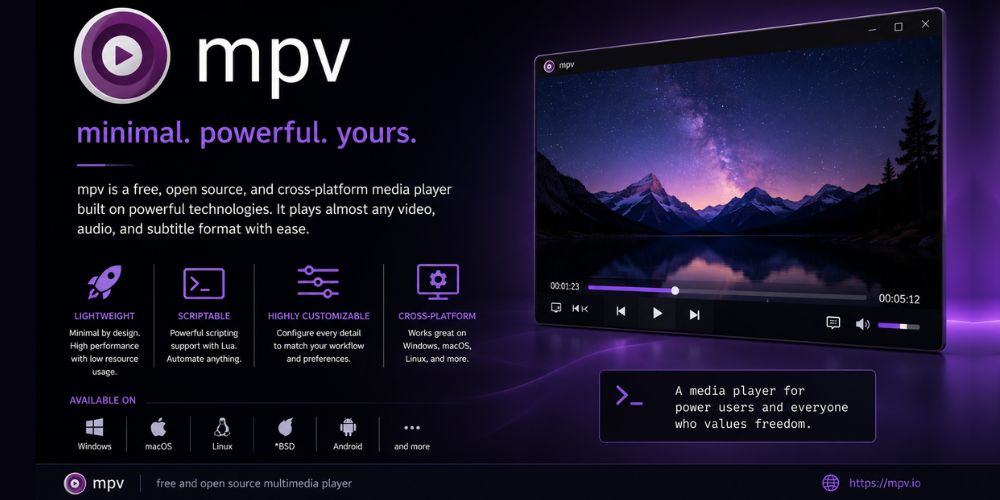
mpv removes visual clutter and focuses on playback quality. Many advanced users prefer mpv because mpv handles high-bitrate files, anime subtitles, and modern codecs with excellent efficiency. It's also lightweight, so there’s no need to worry if you don’t have a high-spec computer.
Choose mpv when you need:
- Precise playback
- Strong subtitle rendering
- Low system overhead
- Advanced playback scripting
- Better handling of high-quality media files
mpv Is Not Beginner-Friendly
The minimalist interface can confuse casual users. mpv also lacks the guided library experience found in Plex or Kodi. If you’re a newbie, it would be better if you avoid using open source tools like mpv and VLC.
Why IINA Fits Modern macOS Better
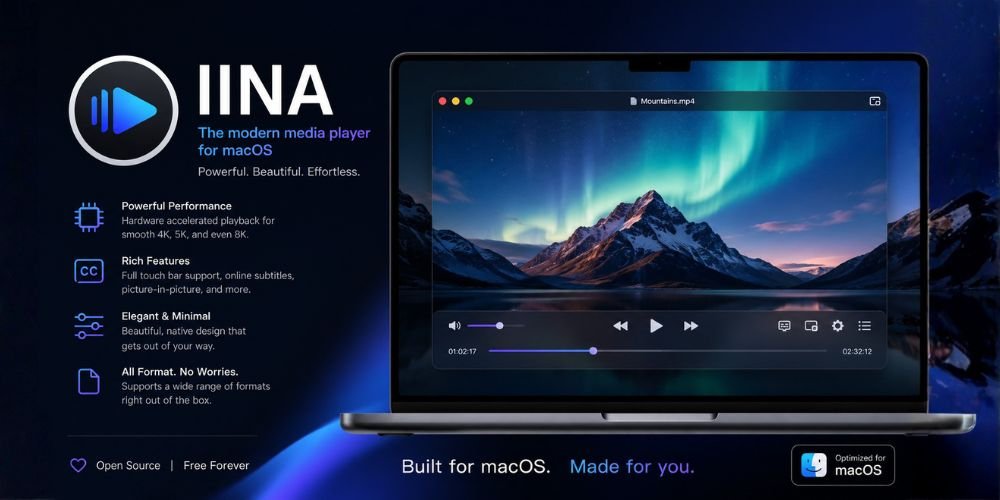
Many Mac users dislike interfaces that feel copied from Windows. IINA solves that issue by following Apple-style design patterns while still keeping the playback power.
Important features include:
- Native macOS interface
- Picture-in-picture support
- Gesture support
- Browser extension integration
- Strong subtitle compatibility
- Online streaming playback
IINA vs QuickTime Player
QuickTime Player is still useful for basic playback and screen recording. Apple describes QuickTime Player as a built-in app for playback, recording, trimming, rearranging, and rotating video files.
However, IINA supports more formats and offers better playback flexibility than QuickTime Player. In short, if you want more format support and better playbacks, IINA is the top choice.
Best Lightweight Windows Player: MPC-HC
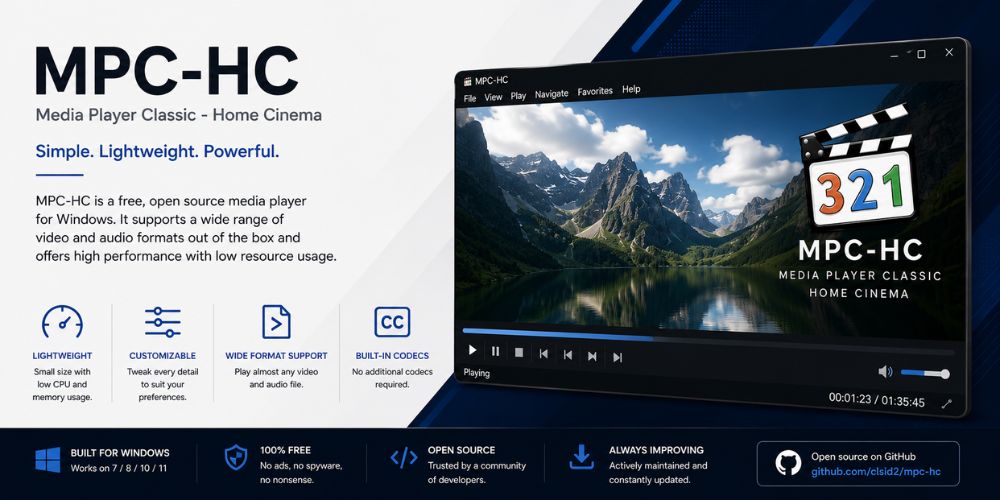
MPC-HC remains one of the best lightweight Windows video players because it focuses on fast playback and low system usage. Just like VLC and mpv, MPC-HC is a free and open-source media player for Windows with a simple interface and support for third-party filters.
Why MPC-HC Still Has a Loyal Audience
Some users want a traditional desktop player without modern UI clutter. MPC-HC opens quickly, runs well on older systems, and supports extensive playback customization.
Use MPC-HC for:
- Low-end PCs
- Older Windows systems
- Lightweight playback
- Custom codec workflows
- Fast startup speed
MPC-HC Is Windows-Only and Dated
The classic, Windows-exclusive interface can feel old-fashioned to modern users. MPC-HC also lacks native casting capabilities and the seamless streaming integrations found in newer players. If you are on macOS or want a sleek, modern experience out of the box, it would be better if you avoid using legacy tools like MPC-HC.
Why Kodi Is Different From VLC or WidsMob
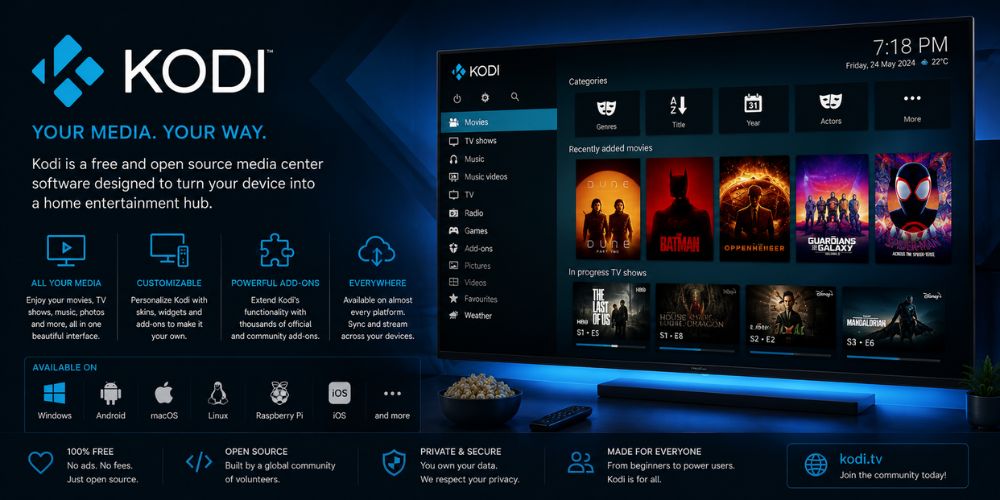
Kodi works best when users want a couch-friendly experience. Kodi organizes movies, TV shows, music, posters, metadata, and libraries in one interface.
Choose Kodi when you need:
- TV-focused navigation
- Media library organization
- Remote-control support
- Add-ons and extensions
- Home-theater playback
Kodi Is More Complex to Set Up
Kodi requires more setup than VLC or WidsMob Viewer Pro. Casual users who only need quick playback may find Kodi unnecessary. If you choose Kodi, here are some helpful installation and setup tutorials:
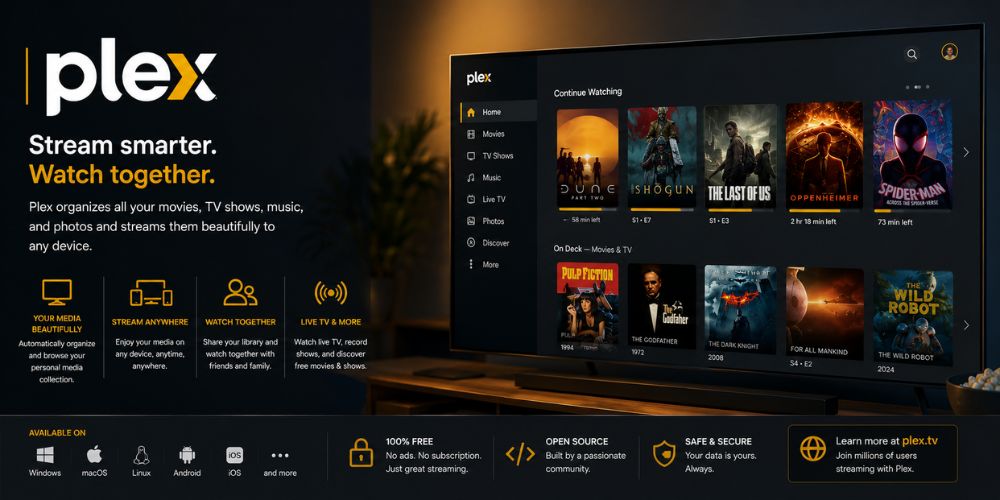
Why Plex Works Well for Large Libraries
Plex behaves more like a personal Netflix server than a normal player. That makes Plex useful for users with NAS systems, home servers, or large movie collections.
Key advantages include:
- Centralized media libraries
- Remote streaming
- Device syncing
- Smart TV support
- Metadata organization
Plex Is Not a Lightweight Viewer
Plex consumes more system resources than standalone players like VLC, mpv, or MPC-HC. Users who only need local playback may prefer simpler software.
Quick Comparison Table: Which Video Viewer Suits You
| Tool | Best For | Main Strength |
|---|---|---|
| WidsMob Viewer Pro | Folder browsing | Mixed media viewing and organization |
| VLC | Everyday playback | Broad format compatibility |
| mpv | Advanced playback | Efficient high-quality playback |
| IINA | macOS users | Native Mac experience |
| MPC-HC | Lightweight Windows playback | Fast performance |
| Kodi | Home theater PCs | TV-style media center |
| Plex | Streaming libraries | Multi-device streaming |
Final Verdict
The best video viewer depends on what you actually need to do. WidsMob Viewer Pro works best for fast media browsing and mixed-folder management, while VLC remains the best all-around playback choice for most users.
Choose mpv for advanced playback control, IINA for a polished Mac experience, MPC-HC for lightweight Windows playback, Kodi for TV-based media centers, and Plex for streaming large personal libraries. Matching the software to the workflow produces better results than relying on generic “best player” rankings.